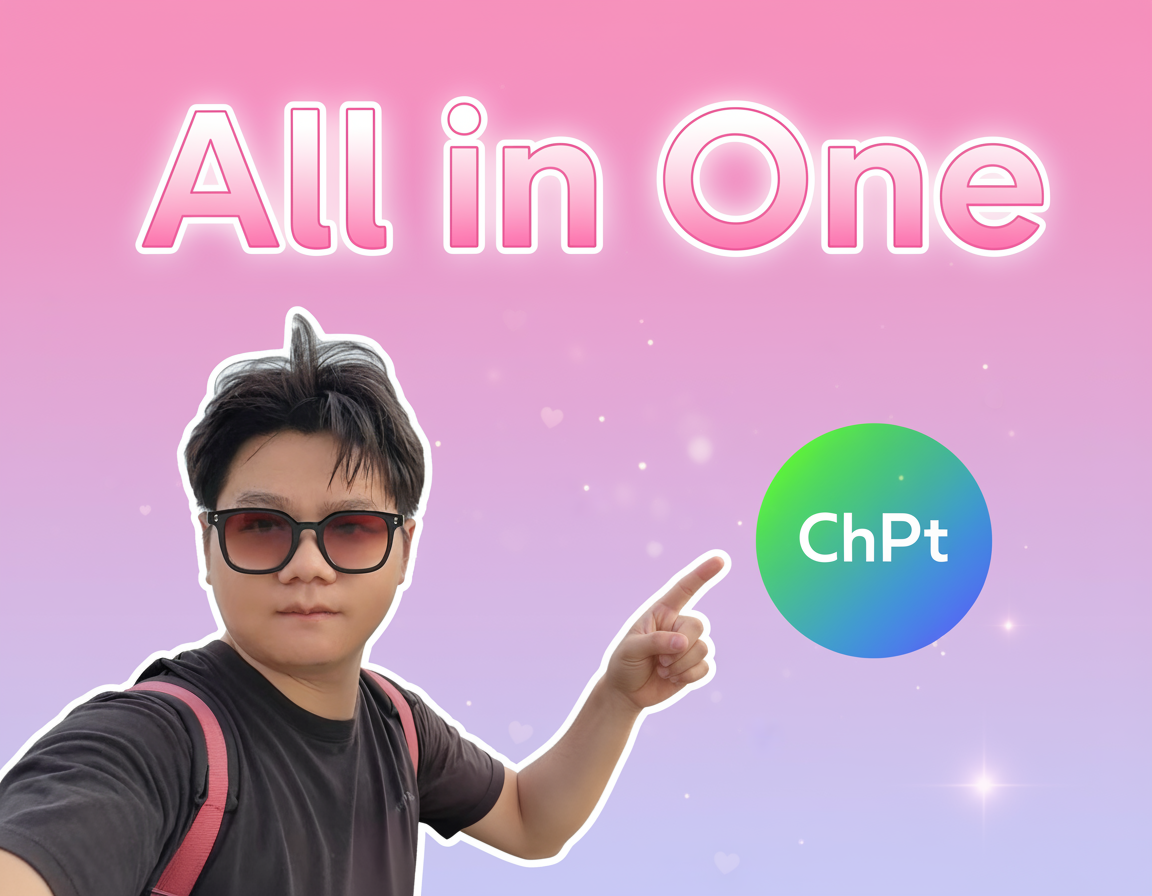
这两天我在小红书上频繁刷到关于 AI 生成手办的爆款内容,终于也忍不住亲自去试了试。
测试网站:[LM Arena AI](https://lmarena.ai/)
这个网站完全免费,无需登录,操作简单,随时可以体验。
我使用的提示词如下:
💡
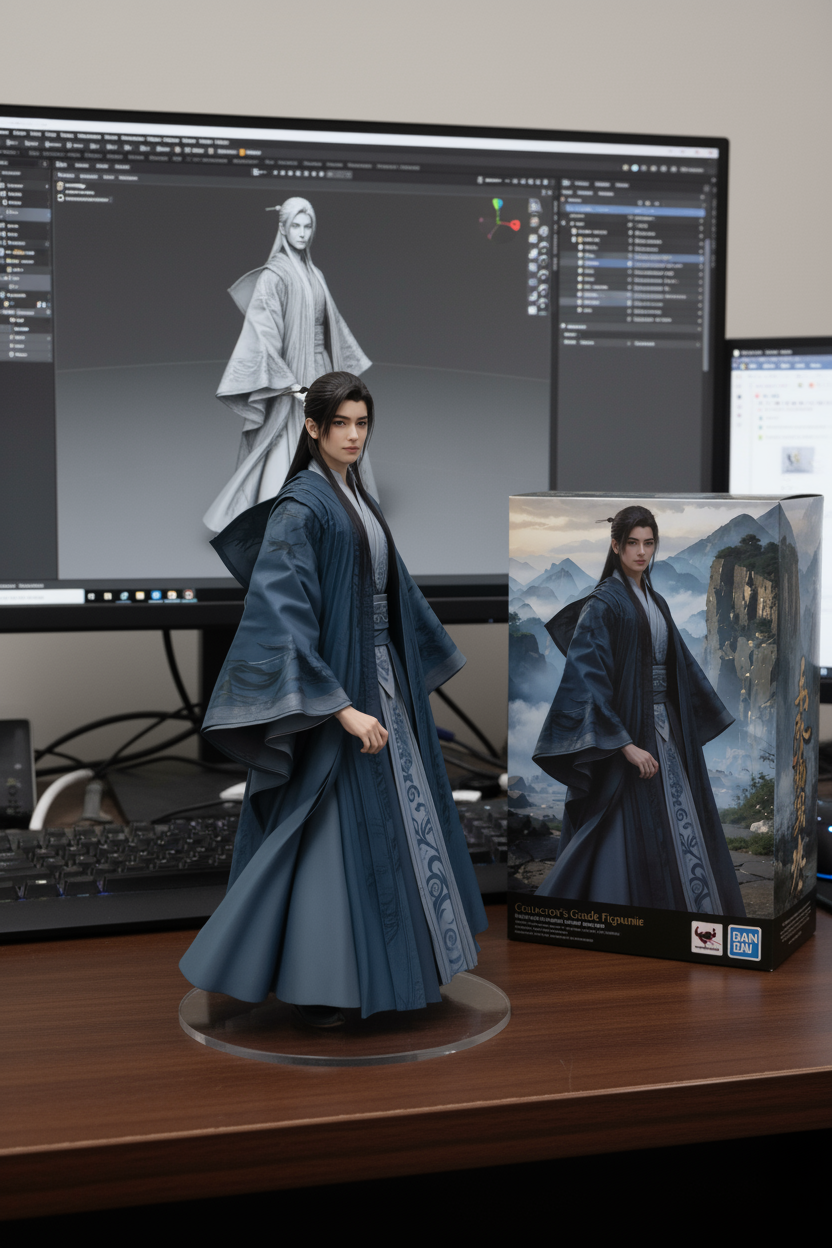
Using the nano-banana model, generate a commercial 1/7 scale figurine of the character in the picture, in a realistic style and realistic environment. The figurine should be placed on a computer desk with a round transparent acrylic base. There should be no text on the base. The computer screen shows the Zbrush modeling process of the figurine. Beside the screen, include a BANDAI-style toy box with the original artwork printed on it.
---
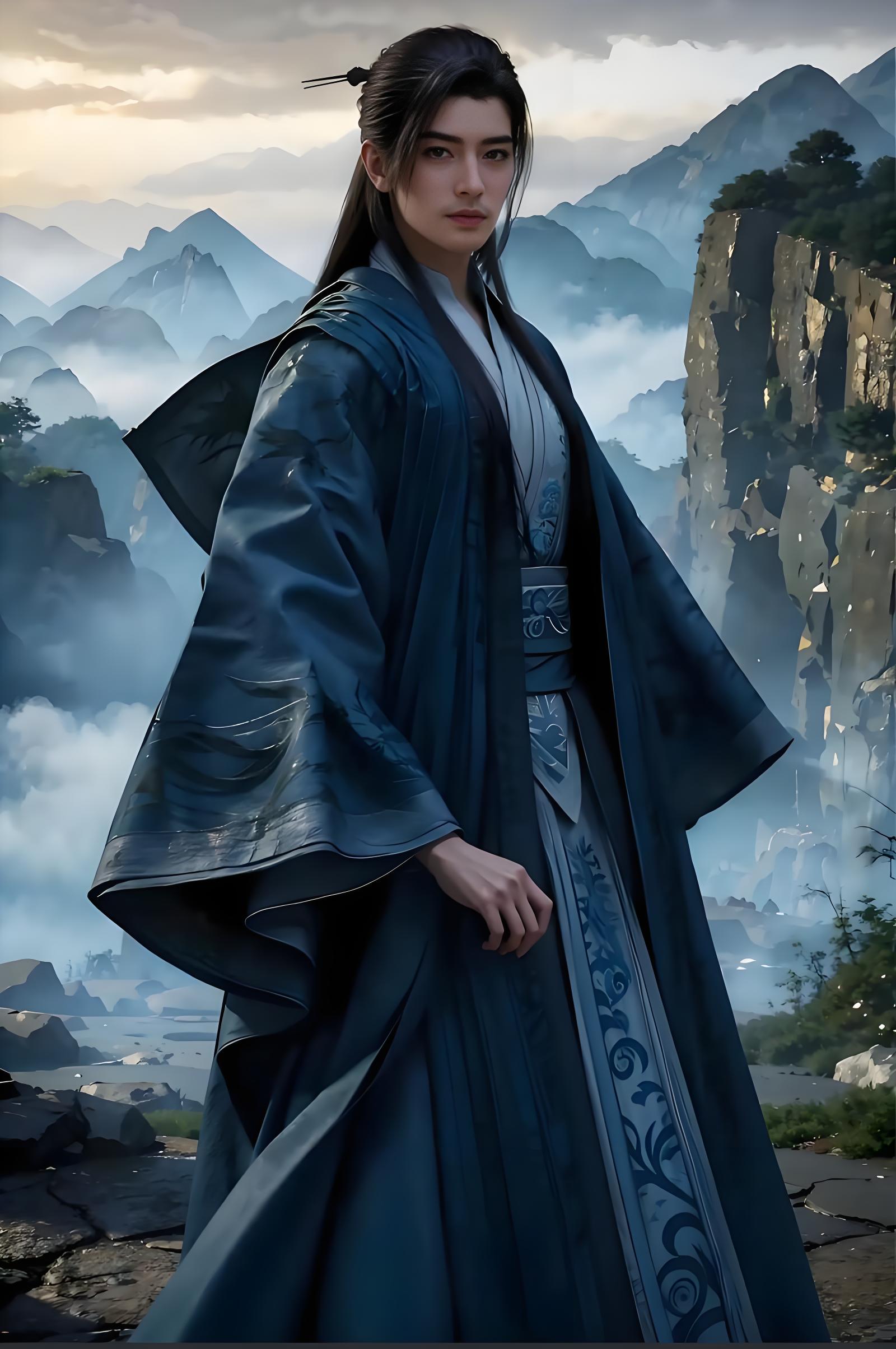
### 韩天尊原图
### AI生成手办模型图
---
## 制作封面
以下是用于生成小红书风格封面的提示词:
使用 nano-banana 模型,基于上传的人像照片生成一张小红书风格封面图,输出比例为 **3:4**:
### 人物
- 保持人物清晰锐利,肤色自然,五官立体,提升对比度;
- 去除背景,仅保留主体;
- 添加白色描边,使人物在画面中更突出;
- 将人物置于画面左侧,手指指向右侧的 ChatGPT logo。
### 背景
- 粉色到浅紫色渐变;
- 整体明亮,加入轻微光斑或爱心形状的粒子点缀。
### 文案
- 在画面顶部添加文案:“All in One”;
- 字体必须非常大、加粗;
- 采用亮粉+白色的渐变字,带有发光或描边效果;
- 文字占画面上方接近一半高度,确保清晰醒目。
### 风格
- 整体明亮、简洁、现代化;
- 突出“科技感+重点突出”的小红书封面风格。
### 输出
- 高分辨率,严格保持 **3:4** 的封面比例,适合小红书展示。
---
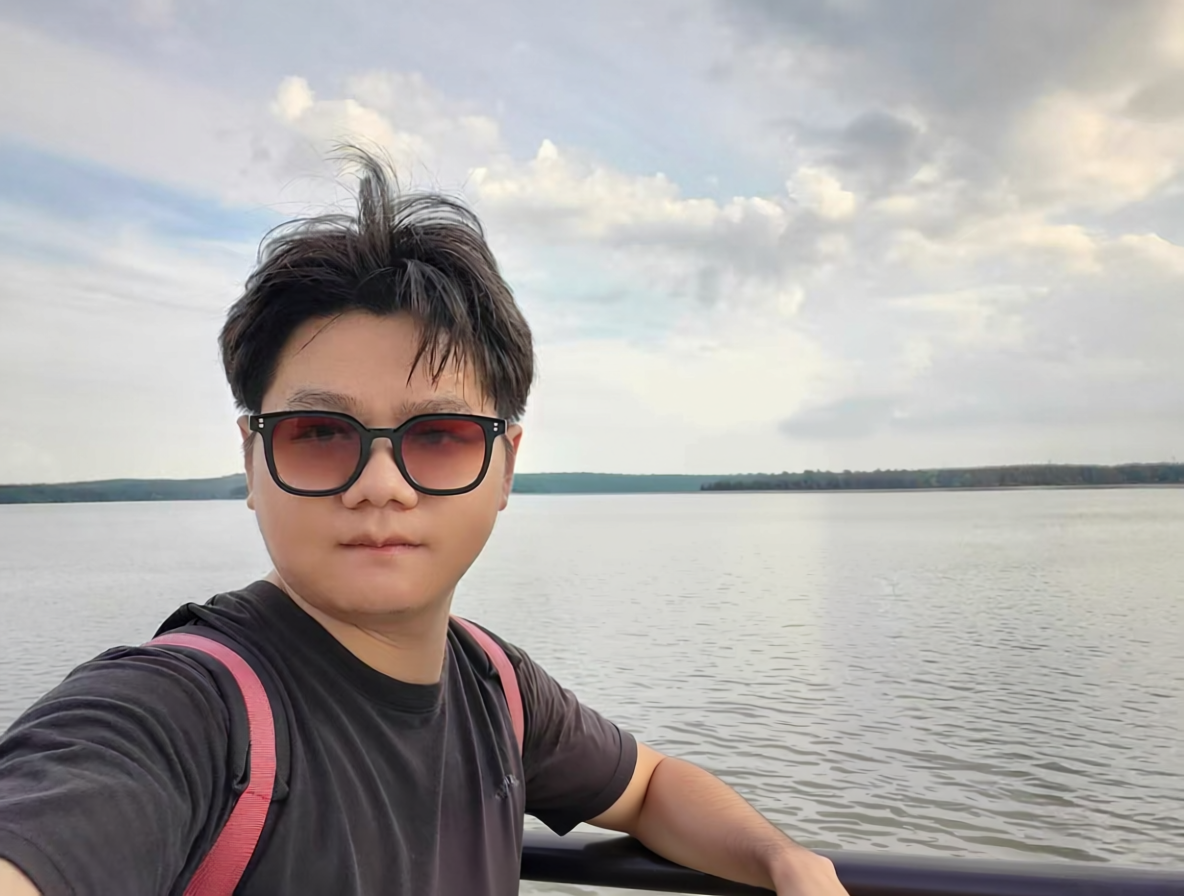
### 原图
### 渲染图

---
相信大家已经注意到了,虽然我在提示词中明确规定了 **3:4 的输出比例**,但最终生成的图片仍然是 **1:1**。我尝试了多次,目前看来提示词还无法稳定控制输出比例。
不过,这只是一个细节问题。
真正让人惊喜的是**一致性上的突破**。
接下来我会继续研究如何进一步优化封面效果,感兴趣的朋友欢迎点个“关注”或“收藏”,我们一起来探索 AI 手办生成的无限可能!

